Microsoft Ends USB-C Port Anarchy
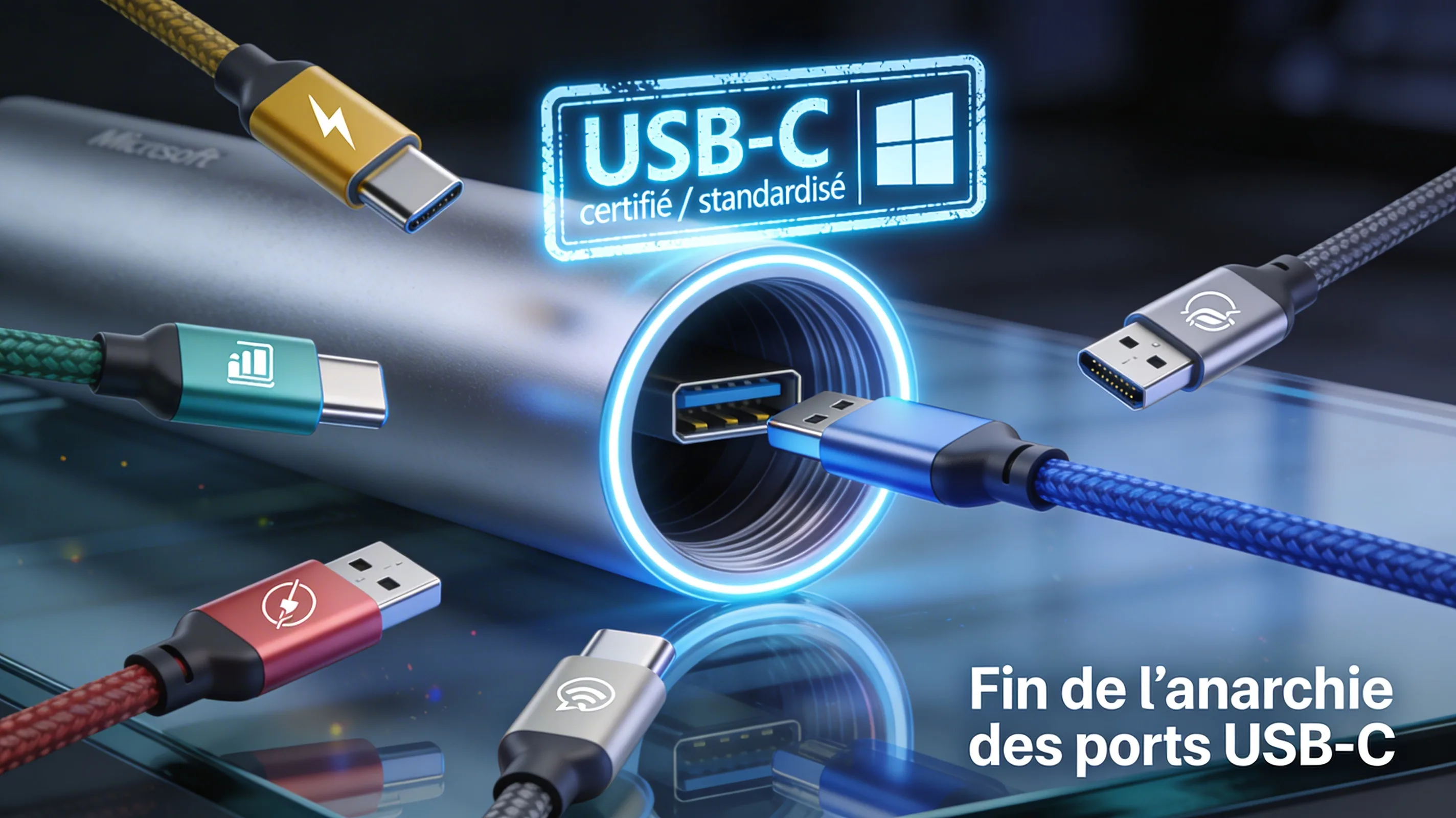
The End of USB‑C Chaos
Starting in 2025, new Windows PCs will have to meet strict standards for USB‑C ports. This historic initiative from the WHCP program promises to simplify the user experience, eliminate confusion among manufacturers, and align the Windows ecosystem with Apple’s reliability.
🔍 The problem: technical anarchy
USB‑C was presented as a universal solution — "one port to rule them all". In reality, each PC manufacturer implemented features at will, according to their cost constraints and business priorities.
Result: two identical USB‑C ports on the same laptop could have radically different capabilities, with no clear visual indication for the user.
✅ The answer: WHCP certification
Microsoft has updated its WHCP (Windows Hardware Compatibility Program) certification, applicable from 2025 to all new Windows PCs.
From now on, every USB‑C port on a certified PC must meet a guaranteed minimal functional core: data + charging + video output on every port, without exception.
Before / After WHCP Standardization
The new WHCP requirements
📡 Data transfer
- Minimum speed: 5 Gbps (USB 3.0)
- Supported protocols: USB 3.2 and USB4
- Backward compatibility guaranteed with existing devices
🔋 USB Power Delivery charging
- USB Power Delivery mandatory on every port
- ≥ 4.5W minimum on laptops
- ≥ 7.5W minimum on tablets
🖥️ Video output — the real revolution
- DisplayPort Alt Mode required on every USB‑C port
- VESA certification mandatory to guarantee interoperability
- Multi‑display support on premium USB4 ports
USB4 and Thunderbolt: a standardized future
🚀 USB4 40Gbps
- Native Thunderbolt 3 compatibility required
- PCIe Tunneling mandatory for high‑performance peripherals
- Power ≥ 15W (7.5W for tablets)
🚀 USB4 80Gbps (2025–2026)
- 80 Gbps symmetric bidirectional
- 120/40 Gbps asymmetric mode to prioritize display
- USB‑IF certification mandatory for every product
Implementation and timeline
Mandatory for all new PCs certified Windows 11 24H2 (e.g., Surface Pro 12" and Surface Laptop 13")
Gradual transition for manufacturers with technical support from Microsoft
Generalization to 90% of new Windows devices according to Microsoft estimates
🔧 Key certification mechanisms
- USB-IF Certified Silicon : Chips must be certified by the USB Implementers Forum
- Microsoft drivers : Mandatory use of system drivers for updates via Windows Update
- HLK tests : Automated test suite via the Hardware Lab Kit
- Penalties : No Windows certification without full compliance
Impact on users and manufacturers
| Aspect | Before WHCP | With WHCP |
|---|---|---|
| User experience | Ports with random capabilities, uncertain compatibility | All ports handle data + charging + video |
| Compatibility | Docks and displays often incompatible | Plug‑and‑play with USB4/Thunderbolt devices |
| Information | Obscure technical labels (USB 3.2 Gen 2x2) | Simplified naming (e.g., "USB4 40Gbps") |
| Costs | Savings on entry‑level models | Estimated extra cost $30–50 per device |
Technical challenges and conclusion
🧩 Persistent challenges
- Cable anarchy : Microsoft does not regulate USB‑C cables, whose capabilities still vary
- Variable power delivery : Maximum wattage (60W to 240W) still depends on the manufacturer
- Backward compatibility : Old non‑compliant peripherals will remain problematic
- Gradual transition : Non‑USB‑C ports (USB‑A, HDMI) will remain for several years
🎯 Conclusion and pro tip
With this historic regulation, Microsoft does not completely eliminate USB‑C anarchy but channels it into a coherent Windows experience. By 2026, new PCs will offer reliability close to Apple's "it just works".
Pro tip : To buy with peace of mind from 2025, favor PCs with the "Certified Windows 11 24H2 + USB4" logo and USB-IF Certified 40Gbps/240W cables.
Technical Illustrations
Non‑reversible
Used for keyboards, mice, USB drives
Speed up to 5 Gbps
Rare on modern laptops
Power up to 240W
Combines data + video + charging
Speed up to 480 Mbps
Obsolete, replaced by USB‑C
Speed up to 5 Gbps
Progressively replaced by USB‑C
Up to two 4K displays or one 8K
Compatible with USB4, PCIe, DP 2.0
Identifiable by the ⚡ logo
👥 Comments
Comment on this article