Linux Laptop Buying Guide 2026: Best Secure & Compatible Picks
In an ever-changing digital landscape, technological sovereignty is becoming a strategic imperative. The challenges of 2026 go beyond mere software compatibility to encompass hardware transparency, security by design, and autonomy from proprietary ecosystems. This guide analyzes the 4 best Linux laptops in 2026, with a focus on hardware security, compatibility, and emerging technical challenges.
📜 Preamble: The Ideal of Digital Sovereignty
Choosing a laptop today is choosing a side. On one hand, the convenience of closed and opaque ecosystems. On the other, digital sovereignty: the will to regain control over a more secure, freer machine, safe from intrusive telemetry.
This quest is no longer reserved for experts; it drives any user who refuses to delegate trust in their primary tool.
🖥️ Linux, the Pillar of This Sovereignty
We are in 2026. To meet this sovereignty imperative, Linux has become the undisputed reference for cybersecurity, data analysis, and DevOps. Faced with risks of hardware backdoors and proprietary microcode, Linux's auditable transparency is a fundamental pillar. Choosing hardware for Linux is choosing to inspect and control your own technology stack.
But this compatibility goes far beyond Wi-Fi. With the massive integration of NPUs for AI, choosing a laptop is a crucial technical act. For SafeITExperts readers, here is our analysis of the machines that reconcile performance, support, and transparency.
📊 Context: The Technical Challenges of 2026
Hardware evolves faster than standardization. Here are the three major challenges identified for this year.
⚠️ The 3 Major Technical Challenges of 2026
- The Opacity of NPUs (Neural Processing Units): New processors integrate dedicated AI chips. The challenge is to ensure that available Linux drivers are open-source or, failing that, that they don't introduce data leaks to unsolicited cloud services.
- The Performance/Repairability Compromise: The race for thinness pushes many manufacturers to solder memory (RAM) and storage. For a security expert, it's a headache between signal integrity (soldered memory) and physical confidentiality (the ability to destroy the hardware).
- Hardware Authentication: The TPM 2.0 standard remains the reference for secure boot and disk encryption.
| Component | 2026 Challenge | Recommended Solution |
|---|---|---|
| NPU (AI) | Proprietary drivers, data leaks | Check Linux kernel 6.8+ support |
| RAM | Soldered vs SODIMM (security/performance compromise) | SODIMM for physical security, LPDDR for performance |
| TPM | TPM 2.0 required, beware of fake TPM 3.0 | Demand verifiable TPM 2.0 (open firmware) |
| Wi-Fi/Bluetooth | Linux driver compatibility | Prefer Intel, MediaTek/Qualcomm |
1. The Model of Reason: Framework Laptop
If repairability (Right to Repair) is a priority for you, Framework remains the absolute reference.
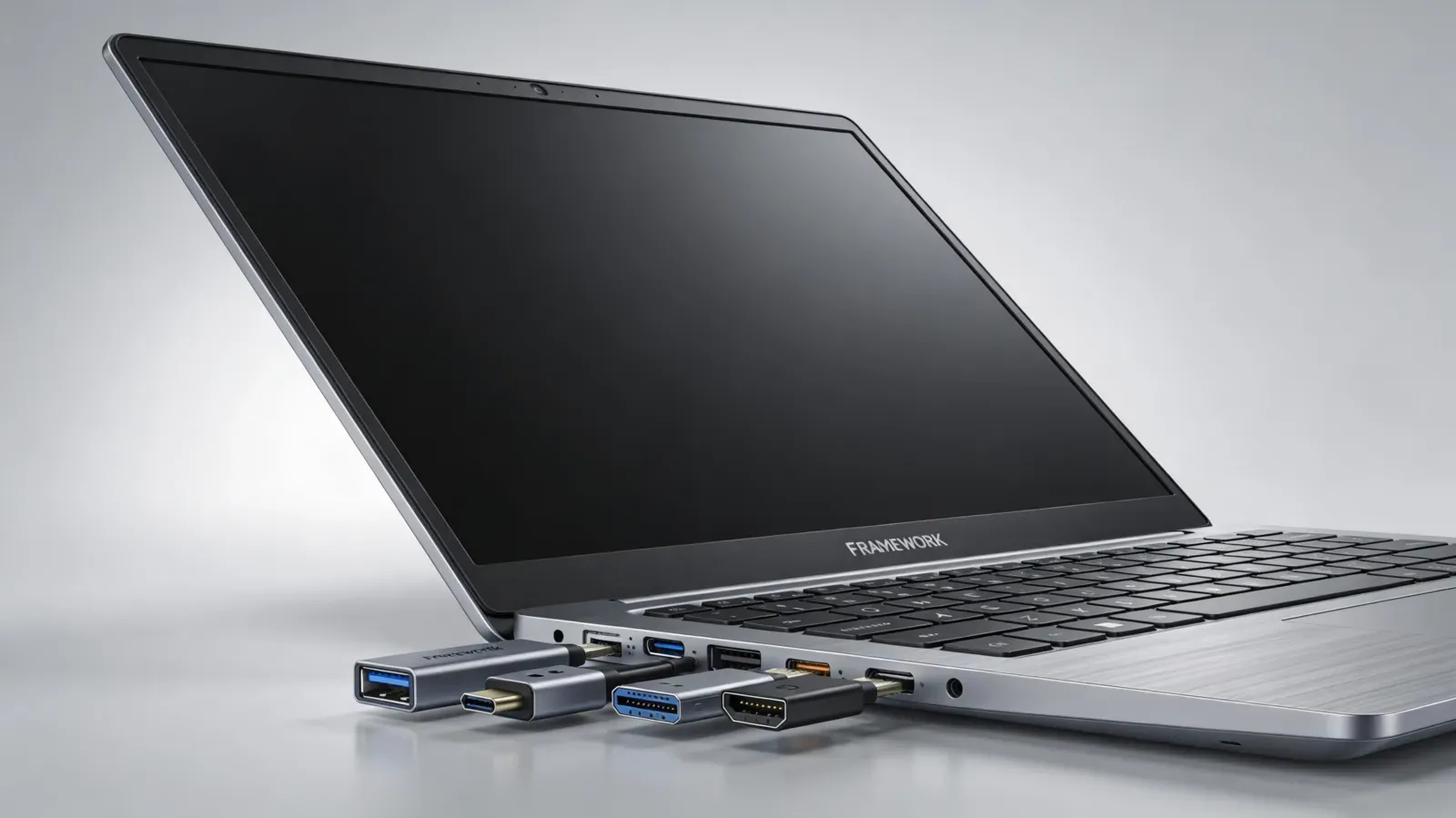
🔄 Philosophy: Absolute Modularity
It's the only modular high-end laptop on the market. You can replace the motherboard, ports, and battery.
✅ Strengths
- Complete modularity (motherboard, ports, battery)
- SODIMM RAM (not soldered) - physical security
- Official Linux support with recent kernels
- Open-source firmware (Coreboot) - auditability
- Ethical and ecological durability
⚠️ Points to Watch
- Raw performance lower than gaming machines
- Price slightly higher than competition
- Limited availability depending on region
🎯 SafeITExperts Profile
- Developers concerned about the environment
- Nomadic system administrators
- Users valuing repairability
- Cybersecurity with modularity needs
Our recommendation: Framework Laptop 13 with the latest generation of Intel Core Ultra processors. SODIMM RAM allows for secure physical destruction of data in case of a critical incident.
2. The Enterprise Tank: Lenovo ThinkPad X1 Carbon
The X1 Carbon is the enterprise standard. In 2026, it remains one of the most reliable laptops for Linux.
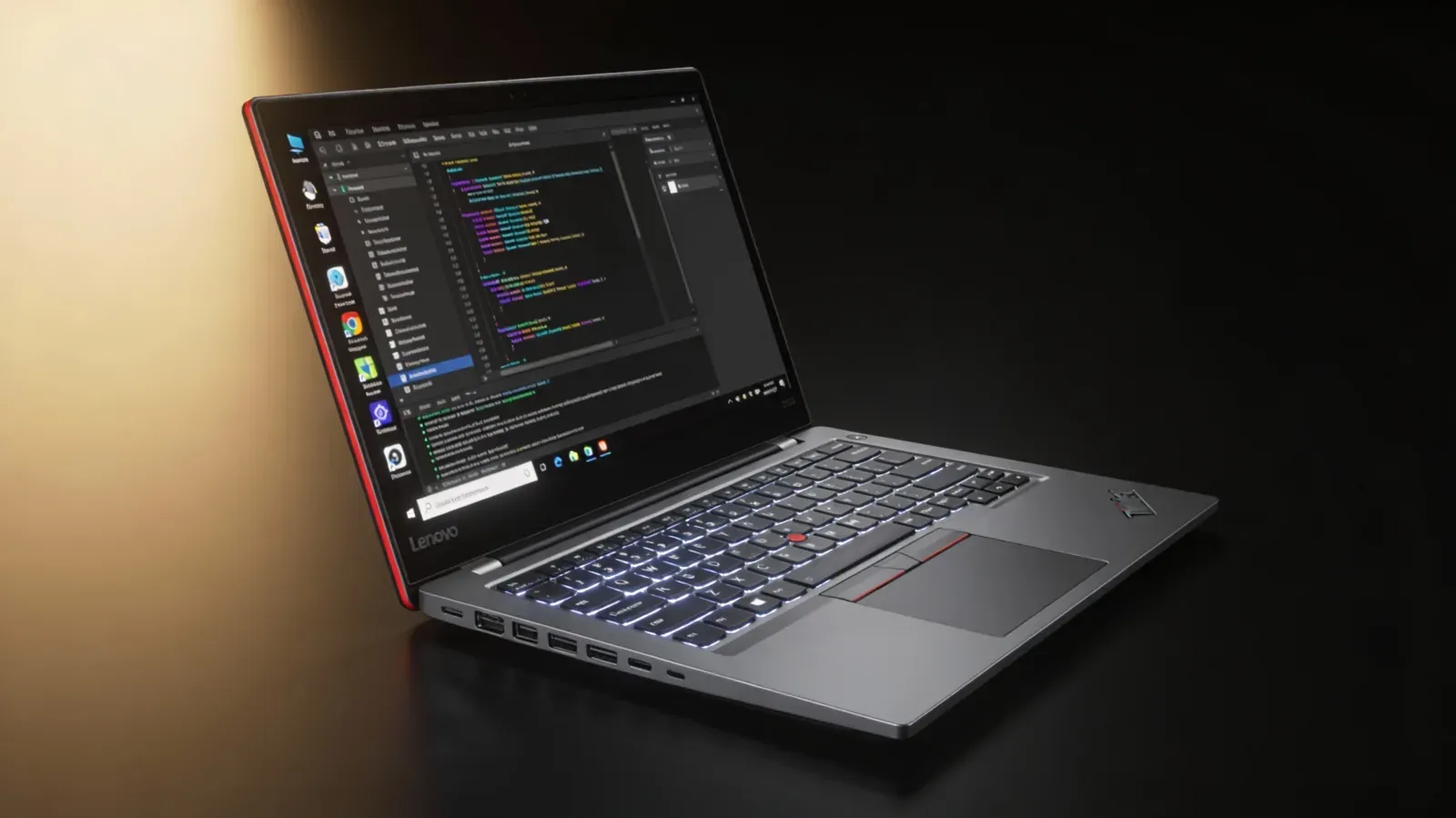
💼 Enterprise Excellence
Excellent "out of the box" support with Fedora, Ubuntu, and Debian. Lenovo components well supported by the Linux kernel.
⚠️ The RAM Dilemma
For compactness and speed reasons (signal integrity at high frequency), the X1 Carbon Gen 13 continues to use soldered RAM (LPDDR5x).
SafeIT Analysis: If physical security and data erasure by hardware destruction is your absolute priority, this is not the right choice. However, for network security and operational reliability on the move, it's unbeatable.
✅ Strengths
- Legendary reliability and robustness
- Exceptional Linux support (Fedora, Ubuntu, Debian)
- Professional keyboard (TrackPoint included)
- Balanced battery life and performance
- Global enterprise service
⚠️ Points to Watch
- Soldered RAM (LPDDR5x) - limited physical security
- Premium price for high-end configurations
- Some proprietary components (firmware)
🎯 SafeITExperts Profile
- Itinerant consultants and SOC Managers
- Nomadic system administrators
- Professionals requiring absolute reliability
- Enterprise environments with Linux support
Recommended distribution: Fedora Workstation for enterprise stability, or Tails for maximum anonymity and security.
3. The "Made for Linux" Powerhouse: System76 Oryx Pro
System76 offers machines specifically designed for Linux, with a strong emphasis on free software.
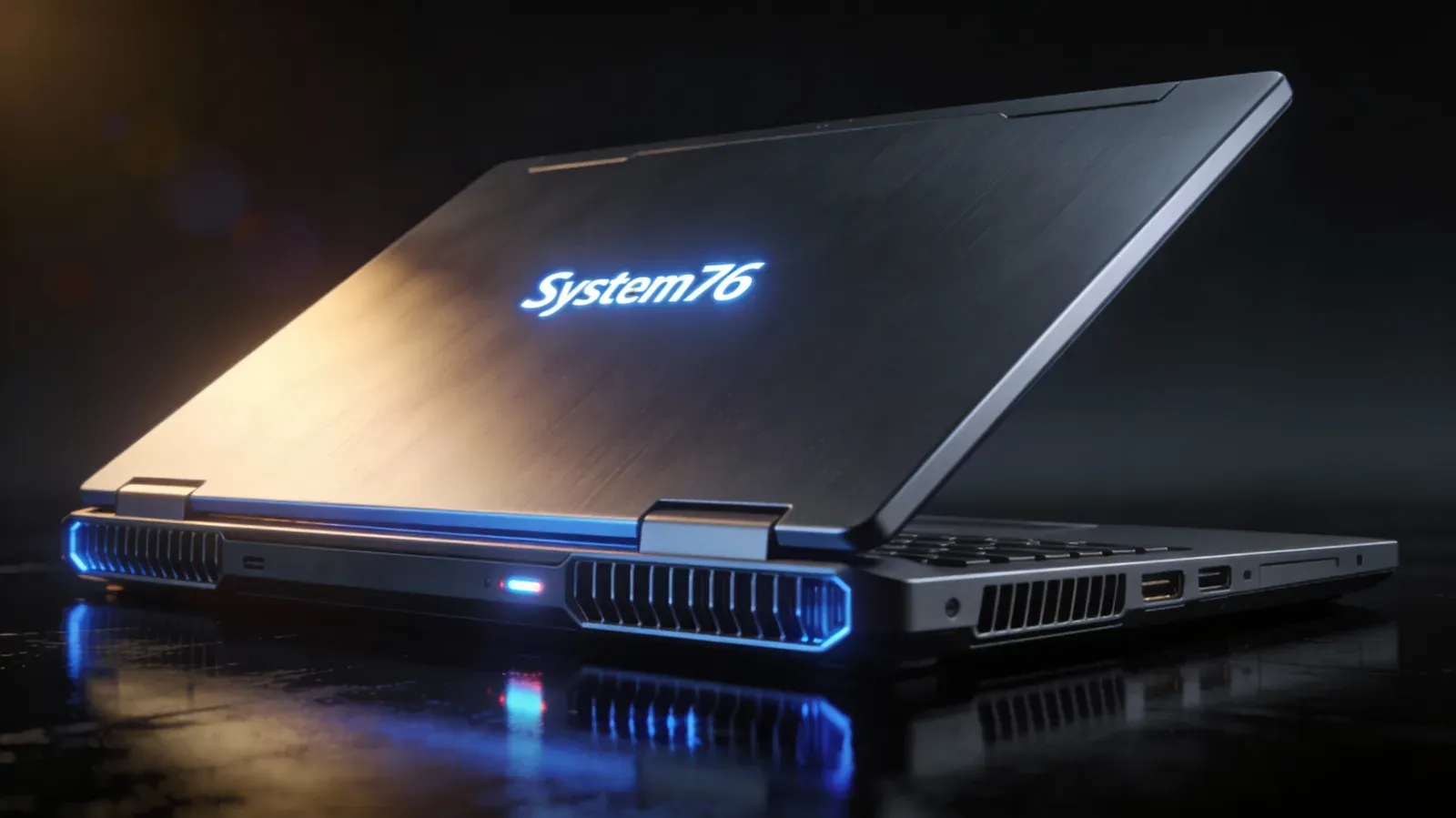
🚀 Open Source Firmware
This is the major asset. System76 provides Open Firmware (EC), allowing auditing of the code that runs even before the OS boots. This is crucial for detecting low-level compromises.
✅ Strengths
- 100% open source firmware (auditable)
- Extreme performance (NVIDIA GPU, high-end AMD/Intel CPU)
- Specifically designed for Linux
- Dedicated Linux technical support
- SODIMM RAM (physical security)
⚠️ Points to Watch
- Greater bulk and weight
- Limited battery life (GPU power)
- High price for max configurations
- Limited availability outside the US
🎯 SafeITExperts Profile
- Red Teams and security researchers
- Forensic analysts (GPU power required)
- AI/ML developers requiring local power
- Reverse engineering experts
Recommended distribution: Pop!_OS (optimized for System76 with tiled window management and advanced GPU support) or Kali Linux for penetration testing.
4. The Digital Fortress: Purism Librem 14
Purism adopts a radical approach: the pure and simple removal of potential surveillance chips.
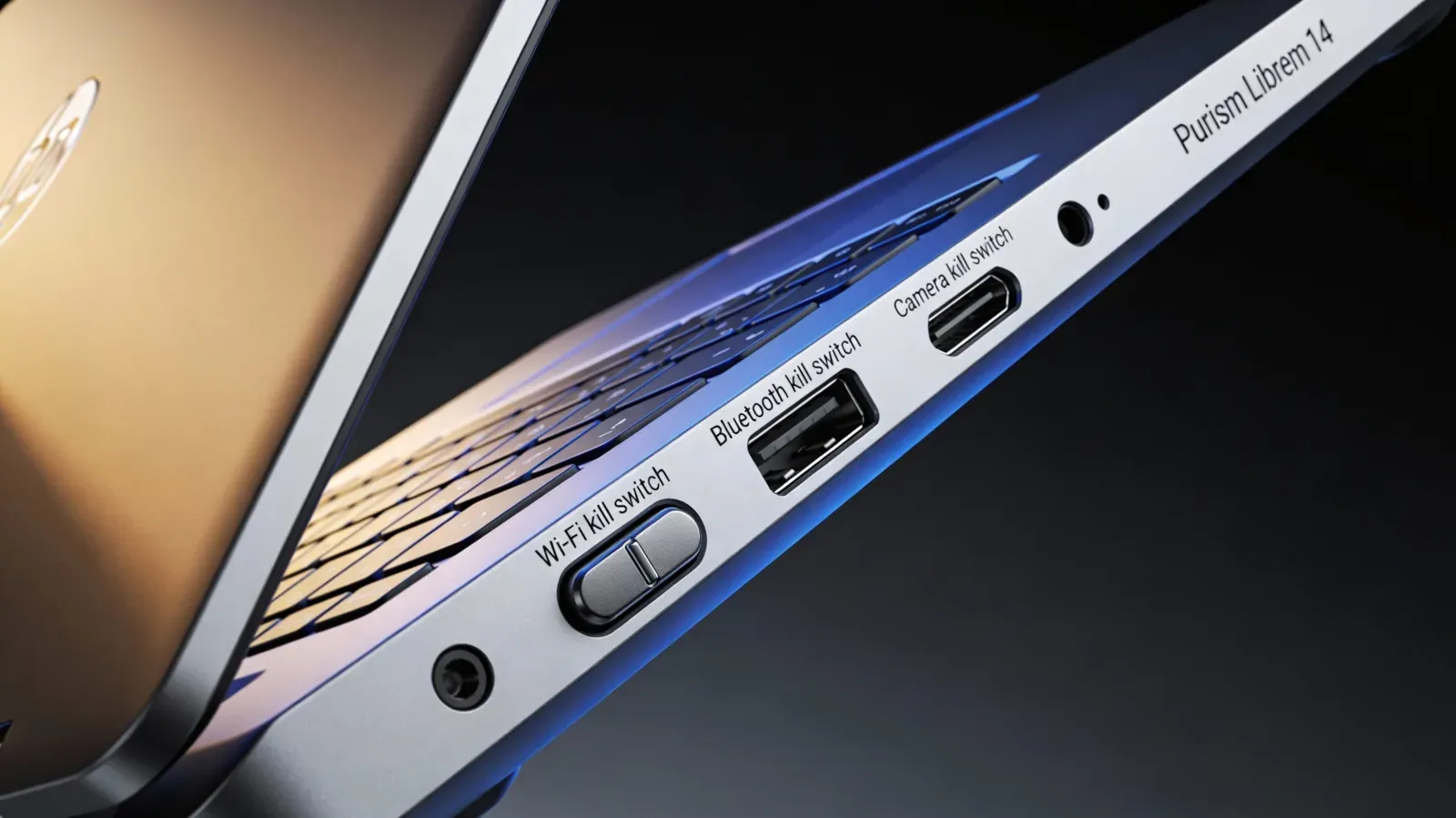
🔒 Radical Security Approach
Purism removes potential surveillance chips and uses Intel processors whose microcode has been cleaned of known backdoors.
✅ Strengths
- Physical Kill Switches (Wi-Fi, Bluetooth, Microphone, Camera)
- PureBoot (cryptographic secure boot)
- Microcode cleaned of known backdoors
- Hardware stripped of surveillance components
- Maximum privacy respect
⚠️ Points to Watch
- Limited performance (older CPUs)
- High price for technical specifications
- No dedicated GPU (integrated graphics)
- Availability and delivery times
🎯 SafeITExperts Profile
- Investigative journalists
- Activities in hostile environments
- Sensitive operations requiring physical air gap
- Users with high threat model
Recommended distribution: PureOS (Purism's Debian-based distribution) or Qubes OS for isolation by virtualization.
Note: This is not a gaming machine, it's a digital vault.
📈 2026 Comparison Table
Comparative overview of the 4 models to facilitate your choice based on your priorities.
| Criterion | Framework Laptop | ThinkPad X1 Carbon | System76 Oryx Pro | Purism Librem 14 |
|---|---|---|---|---|
| Philosophy | Modularity & Ecology | Enterprise Reliability | Power & Open Source | Security & Privacy |
| Price (estimate) | €€€ | €€€€ | €€€€€ | €€€€ |
| RAM | SODIMM (replaceable) | LPDDR5x (soldered) | SODIMM (replaceable) | SODIMM (replaceable) |
| Firmware | Coreboot (open) | Proprietary (Lenovo) | Open Firmware | PureBoot (open) |
| Linux Support | ⭐⭐⭐⭐⭐ | ⭐⭐⭐⭐⭐ | ⭐⭐⭐⭐⭐ | ⭐⭐⭐⭐⭐ |
| Physical Security | ⭐⭐⭐⭐ (extractable RAM) | ⭐⭐⭐ (soldered RAM) | ⭐⭐⭐⭐ (extractable RAM) | ⭐⭐⭐⭐⭐ (Kill Switches) |
| Performance | ⭐⭐⭐ | ⭐⭐⭐⭐ | ⭐⭐⭐⭐⭐ | ⭐⭐ |
| Portability | ⭐⭐⭐⭐ | ⭐⭐⭐⭐⭐ | ⭐⭐⭐ | ⭐⭐⭐⭐ |
| Repairability | ⭐⭐⭐⭐⭐ | ⭐⭐⭐ | ⭐⭐⭐⭐ | ⭐⭐⭐⭐ |
| Recommended Profile | Ecology & Modularity | Enterprise & Mobility | Power & Open Source | Maximum Security |
📊 Analysis of Results
Framework excels in repairability and ecology, but with moderate performance.
ThinkPad offers the best mobility/reliability compromise, but with soldered RAM.
System76 dominates in raw performance and open source, at the expense of portability.
Purism is the security/privacy reference, with limited performance.
✅ 2026 Technical Checklist for Purchase
To validate a purchase in 2026, don't rely solely on marketing. Check these technical points on manufacturer datasheets.
✅ The 5 Essential Points to Check
This checklist guides you step by step to validate your choice of a Linux laptop in 2026. Take the time to check each point before finalizing your purchase.
💻 1. Processor (CPU)
- Prefer AMD Ryzen AI or Intel Core Ultra
- Virtualization support (VT-d/AMD-Vi) required
- Essential for KVM/QEMU labs
- Check Linux kernel 6.8+ compatibility
🧠 2. Memory Management (RAM)
- Option A: SODIMM RAM (max security/modularity)
- Allows physical removal and secure destruction
- Option B: Soldered LPDDR RAM (performance/compactness)
- Only if LUKS encryption is perfectly functional
🔐 3. TPM (Trusted Platform Module)
- Demand TPM 2.0 (latest revision)
- Essential for secure boot
- Warning: TPM 3.0 doesn't exist yet
- Don't be fooled by misleading marketing
📶 4. Wi-Fi and Bluetooth
- Wi-Fi 6E or 7 cards recommended
- Bluetooth 5.4 or higher
- Prefer Intel or MediaTek/Qualcomm chips
- Avoid Realtek if possible (limited support)
🐧 5. Kernel Support
- Check Linux kernel 6.8+ support
- Consult forums (Linux-Hardware, ArchWiki)
- Validate on manufacturer's site
- Test specific model before purchase if possible
Tip: Print this checklist or keep it handy during your research. A successful purchase starts with careful verification of technical specifications.
🎓 Conclusion
In 2026, choosing a Linux laptop for security is making a choice between transparency (Purism, Framework) and raw performance (System76, ThinkPad).
There is no absolute "best" choice, only the one that matches your threat model.
• For balanced daily use, we recommend the Framework for its ethical durability.
• For pure attack power, the System76 remains the champion.
• For professional reliability, the ThinkPad is unbeatable.
• For maximum security, the Purism has no equal.
Your final choice will depend on your personal balance between performance, security, portability, and open source philosophy. Whatever your choice, make sure to follow our 2026 technical checklist to avoid bad surprises.
Which setup will you choose for this year? Share your choice on our social networks and join the discussion!
📚 Sources and References
To guarantee the technical accuracy of this guide (updated based on data available in 2025/2026).
📖 Recommended SafeITExperts Readings
Deepen your knowledge with these complementary articles from SafeITExperts.
5 Linux Challenges That Surprise Windows Users
Discover the main challenges faced by new Linux users coming from Windows.
Read articleChoose Your OS 2025: Windows 11, Linux & macOS Comparison Guide
In-depth analysis of Linux desktop environments and their evolution in 2025.
Read articleLinux in 2025: Desktop Environment Architecture
Evaluation of Linux distributions and their ease of installation for new users.
Read articleDesktop OS Market Share - December 2025
Analysis of desktop operating system market shares by region in December 2025.
Read article Stay in the light, stay safe.
The SafeITExperts Team
❓ 2026 Interactive Quiz
Test your knowledge on choosing a Linux laptop in 2026
Question 1
Which laptop offers physical kill switches to turn off Wi-Fi, Bluetooth, microphone, and camera?
Click to see the answer
Answer
Purism Librem 14 - Physical kill switches are a major security asset
Question 2
What is the Framework Laptop's main security advantage?
Click to see the answer
Answer
Extractable SODIMM RAM - Allows secure physical destruction of sensitive data
Question 3
Which laptop is recommended for Red Teams and penetration testing?
Click to see the answer
Answer
System76 Oryx Pro - Extreme GPU power and open source firmware
Question 4
What is the main RAM dilemma of the ThinkPad X1 Carbon?
Click to see the answer
Answer
Soldered RAM vs physical security - Performance vs secure data destruction capability
📖 2026 Technical Glossary
Essential definitions to understand the advanced technical concepts of Linux laptops.
👥 Comments
Comment on this article