In the openSUSE ecosystem — Leap or Tumbleweed — Zypper is the central tool for software management. This guide provides a clear and structured reference, organized by professional use and accessible to all levels.
Objective
Master Zypper progressively, from beginner to expert, with concrete practical cases and verified commands.
Zypper does not act alone: it relies on libzypp, a very powerful engine that handles dependency resolution, conflicts and transactions.
Component roles
Component
Role
Importance
Zypper
CLI interface
User interaction
libzypp
Resolution engine
Intelligent decisions
RPM
Actual installation
File management
Snapper
Btrfs snapshots
System rollback
📦 Repositories
Role of repositories: the foundation of everything
Repositories are the sources of packages. Their configuration directly influences system stability.
Repository types
Type
Content
Notes
OSS / Main
Official packages
System base
Non-OSS
Proprietary packages
Drivers, codecs
Update
Fixes
Always enabled
Packman
Multimedia
High priority
Community
KDE, GNOME, Graphics
Use with caution
Repository structure
🔄 Repository lifecycle
Official vs community repositories
Repository type
Advantages
Risks
Official
Stable, tested, supported
None major
Packman
Complete multimedia
May replace libs
Community
Recent versions, specialized
Possible conflicts
Experimental
Very recent software
Instability
⚠️ Sensitive repositories
Repository
Potential problem
Recommendation
home:<user>
Untested packages
Avoid on critical systems
KDE/GNOME repos
Very recent versions
Priority > 100 recommended
"Factory" repos
Unstable
Experts only
Duplicate repos
Package conflicts
Never duplicate OSS/Update
Sensitive repositories
home:<user> — Untested packages, avoid on critical systems KDE/GNOME repos — Very recent versions, priority > 100 recommended "Factory" repos — Unstable, experts only
🏆 Best practices Leap / Tumbleweed
Distribution
Recommended repos
Discouraged repos
Leap
OSS, Non-OSS, Update, Packman
Unstable repos, Factory
Tumbleweed
OSS, Non-OSS, Update, Packman
Too recent community repos
Servers
Official repos only
Packman, home:<user>
⚖️ Repository priorities
The priority concept allows Zypper to choose which package to favor.
Important rule
Low priority = Important repository Example: Priority 20 = very high priority, Priority 120 = low priority
Priority levels table
Priority
Interpretation
Usage
20–70
Very high
Packman, critical repos
99
Standard
Official repos
>100
Low
Experimental repos
Recommended priorities
Repository
Recommended priority
Reason
Packman
70
Priority for codecs
Update
90
Important fixes
OSS / Non-OSS
99
System base
Community
>100
Avoid conflicts
Experimental
120-150
High risks
🧩 Patterns / Patches / Products
Type
Description
Useful commands
Pattern
Logical group of packages
zypper se -t pattern
Patch
Security/stability fix
zypper lp, zypper patch
Product
Major system component
zypper se -t product
🔄 Leap vs Tumbleweed — In 20 seconds
🛡️
Leap
Stable distribution
Type: Stable, based on SLE
Risks: Low
Usage: Production, servers
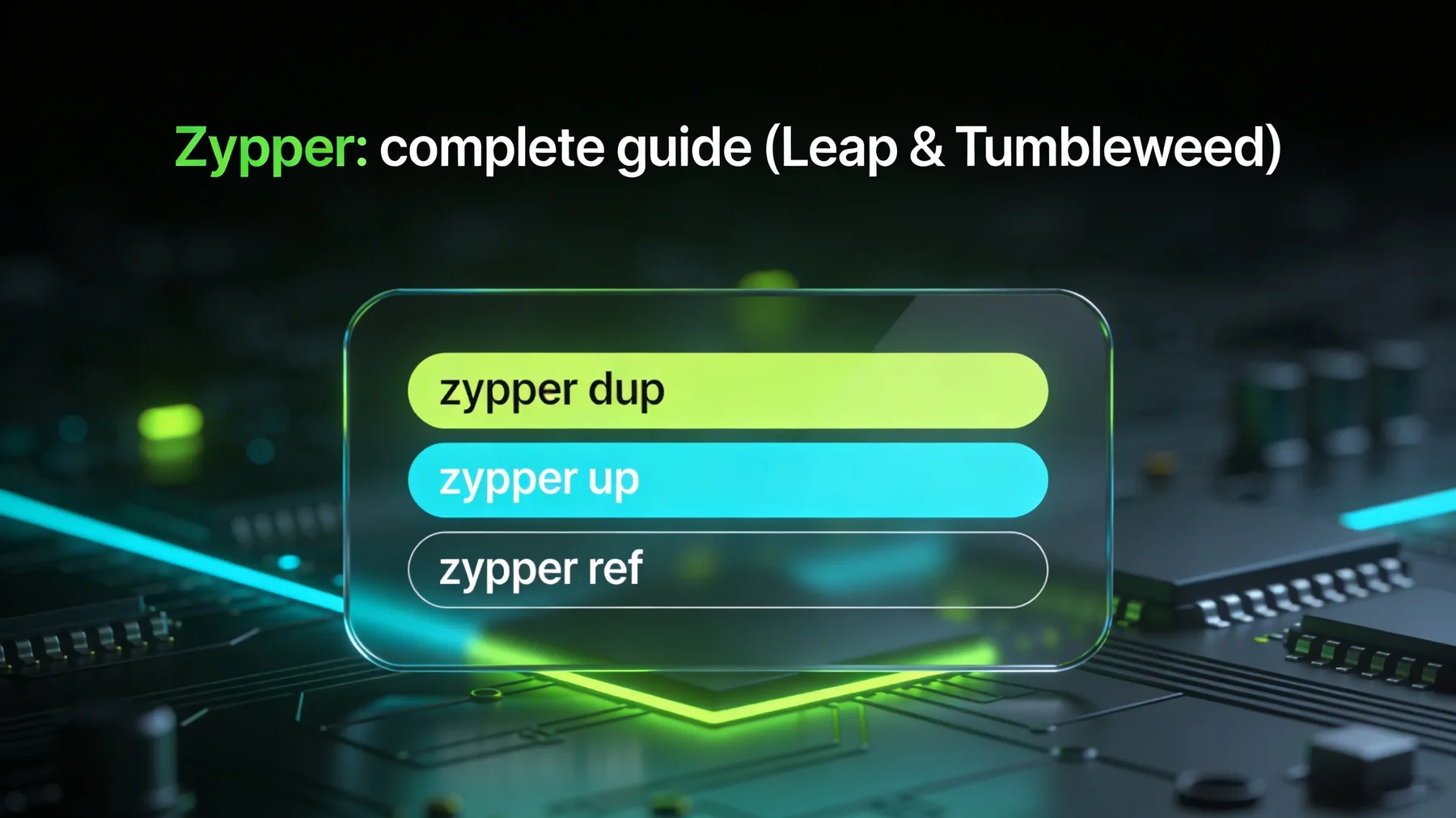
Command:zypper up
🚀
Tumbleweed
Rolling release
Type: Rolling release
Risks: Sensitive repos
Usage: Advanced desktop, dev
Command:zypper dup
2
Zypper Commands
🚀 Starter Pack — The 15 essential commands
Master these 15 commands to be quickly operational on openSUSE.
1
zypper ref
Refresh repositories
2
zypper up
Standard update (Leap)
3
zypper dup
Complete upgrade (Tumbleweed)
4
zypper in <pkg>
Install a package
5
zypper rm <pkg>
Remove a package
6
zypper in -f <pkg>
Reinstall a package
7
zypper se <pattern>
Search for a package
8
zypper info <pkg>
Detailed information
9
zypper wp <capability>
Which package provides a file?
10
zypper lr -u
List repositories + URL
11
zypper ar <url> <name>
Add a repository
12
zypper rr <name>
Remove a repository
13
zypper mr -p <prio> <name>
Modify priority
14
zypper clean
Clean cache
15
zypper ps
Blocking processes
📦 Repository management (commands)
Inspect repositories
Inspect repositories
# List repositories
$zypper lr
# See details + URL
$zypper lr -u
# See priorities
$zypper lr -p
# Full details
$zypper lr -d
Add, remove, modify
Repository management
# Add a repository
$zypper ar https://url graphics
# Remove a repository
$zypper rr graphics
# Modify priority
$zypper mr -p 70 repo-oss
# Disable a repository
$zypper mr -d repo-debug
# Re-enable a repository
$zypper mr -e repo-debug
📥 Installation / Update / Removal
zypper up vs zypper dup
Criteria
zypper up
zypper dup
Changes vendor
❌ No
✔️ Possible — driven explicitly by --allow-vendor-change (measured: without this flag, the summary offers no vendor change)
Downgrades a package
❌ No
✔️ Yes
Strictly follows repositories
❌ No
✔️ Yes
Recommended usage
Leap
Tumbleweed
Risk
Low
Medium
Installation and removal
Installation / Removal
# Install a package
$zypper in htop
# Install multiple packages
$zypper in git curl vim
# Install a specific version
$zypper in vim=9.0
# Reinstall a package
$zypper in -f bash
# Remove a package
$zypper rm htop
# Remove with orphaned dependencies
$zypper rm -u docker
Package removal
Action
Command
Example
Notes
Remove a package
zypper rm <pkg>
zypper rm htop
Standard removal
Remove multiple packages
zypper rm <pkg1> <pkg2>
zypper rm nano vim
Practical
Simulate before removal
zypper rm -D <pkg>
zypper rm -D firefox
Simulation mode
Remove a pattern
zypper rm -t pattern <name>
zypper rm -t pattern kde
Removes a set
Version and lock management
Locks and versions
# Lock a package
$zypper al kernel-default
# List locks
$zypper ll
# Unlock
$zypper rl kernel-default
🔐 Manage versions and vendors
Action
Command
Example
Notes
Install a version
zypper in pkg=ver
zypper in ffmpeg=5.1
Downgrade possible
Lock a package
zypper al <pkg>
zypper al kernel-default
Prevents updates
Unlock
zypper rl <pkg>
zypper rl kernel-default
Removes lock
See vendor
zypper info <pkg>
zypper info vlc
Shows Packman or OSS
🧹 Automatic cleanup
Action
Command
Example
Notes
Clean cache
zypper clean
zypper clean
Deletes downloaded files
Clean everything
zypper clean -a
zypper clean -a
Cache + metadata
Remove orphans
zypper rm -u
zypper rm -u
Unneeded dependencies
See orphans
zypper packages --orphaned
zypper packages --orphaned
Packages without repo
Full cleanup
zypper purge-kernels
zypper purge-kernels
Remove old kernels
🛠️ Maintenance & Diagnosis
🔍 Detect broken packages
Diagnosis
# Verify integrity
$zypper ve
# See orphaned packages
$zypper packages --orphaned
# Check inconsistencies
$zypper verify
# Blocking processes
$zypper ps
⚔️ Resolve conflicts
Conflict
Common cause
Recommended solution
Version conflict
Inconsistent repos
Adjust priorities
Vendor conflict
Packman vs OSS
Force vendor / review repos
Missing dependency
Package removed
Install dependency
Locked package
zypper al active
Unlock
⏸️ Identify blocking processes
Action
Command
Description
See blocking processes
zypper ps
Services using old libraries
Advanced analysis
lsof
Open files (outside Zypper)
🔬 Check dependencies and consistency
Action
Command
Description
Check dependencies
zypper ve
Detects inconsistencies
Check vendor
zypper info <pkg>
Shows vendor
List vendors
zypper se -s <pkg>
Compare sources
See duplicates
zypper se --duplicates
Detects duplicate packages
🗑️ Advanced cleanup
Advanced cleanup
Cleanup
# Clean cache
$zypper clean
# Clean everything (cache + metadata)
$zypper clean -a
# Remove orphans
$zypper rm -u
# Purge old kernels
$zypper purge-kernels
⚡ Advanced commands (Expert)
Change vendor (dup --from)
Vendor switch
# Massive switch OSS → Packman
$sudo zypper dup --from packman
# See available versions
$zypper se -s vlc
Advanced search
Advanced search
# See all versions + vendors
$zypper se -s ffmpeg
# See installed + detailed info
$zypper se -si 'vlc*'
# See installed packages
$zypper se -i python
# Find who provides a capability
$zypper search --provides --match-exact libxyz.so
Install sources
Sources
# Install sources
$zypper si kernel-default
# Install build dependencies
$zypper si -d ffmpeg
🔍 Advanced verification (verify)
Action
Command
Description
Verify full consistency
zypper verify
Full system analysis
Quick dependency check
zypper ve
Quick analysis
🩹 Check patches (patch-check)
Action
Command
Description
See available patches
zypper lp
List patches
Check without installing
zypper patch-check
Analysis only
Install patches
zypper patch
Apply fixes
⚖️ Fine priority management
Action
Command
Example
Modify priority
zypper mr -p <prio> <repo>
zypper mr -p 70 packman
See priorities
zypper lr -p
zypper lr -p
Disable repository
zypper mr -d <repo>
zypper mr -d repo-debug
🧰 Complete Tumbleweed maintenance — the combined command
On Tumbleweed, a large snapshot can hold packages back (library conflicts) or require a vendor change (Packman, community repos). The combined command below covers both, with its exact semantics verified against the man page:
Complete maintenance
# The summary is ALWAYS shown: read, then accept or refuse
Multi-repo setups (Packman, OBS): the newest version lives at another vendor
--solver-focus=update
The solver's general attitude, centered on updating
Large snapshots where the solver must prioritize the update
--force-resolution
"Forces the solver to find a solution (even an aggressive one) rather than asking"
Stacks held back by conflicts (e.g. multimedia library replacements)
Guardrails that stay intact
The summary is always shown: package counts, vendor changes, removals — you can answer "n"
Snapper snapshots (pre/post) allow rollback
A previous kernel stays bootable in GRUB (multiversion)
Measured example (10/21/2026): on the same machine and snapshot, plain zypper dup offered 0 vendor changes; with --allow-vendor-change: 41; and without --force-resolution, the multimedia stack update (ffmpeg, Kodi, VLC) was silently held back by the solver.
⚠️ Sensitive commands — Red zone
Warning
Some Zypper commands are extremely powerful and can break a system if misused. This section lists commands to handle with extreme caution.
--force-resolution: "forces the solver to find a solution, even an aggressive one, rather than asking" — protections stay intact: the summary is shown and you can refuse
--allow-vendor-change: allows vendor changes (useful with Packman and community repos)
It can downgrade or replace essential packages (kernel, systemd, glibc): read the list before "y", Snapper is the safety net
Comparison sudo / su, security best practices, sudoers configuration and use cases on modern Linux distributions.
🎯 Conclusion
Zypper is a demanding tool, but it rewards those who take the time to understand it. With a solid mastery of repositories, priorities and the solver, openSUSE administration becomes more predictable, more consistent and safer.
Key points to remember
Leap → zypper up | Tumbleweed → zypper dup
Always check with zypper ve before a critical operation
Use --dry-run to simulate
Manage priorities to avoid vendor conflicts
Take snapshots with Snapper before dangerous commands
This guide does not claim to say everything: it paves the way. The rest belongs to your practice, your curiosity and your ability to make Zypper a daily ally.
0 readers·0 reads
👥 Comments
Comment on this article
Accessibility
📱 Display orientation
On a phone, turn your screen to landscape for more comfortable reading. If you keep portrait mode: wide tables and text can be read in full by scrolling them horizontally (scroll feature).
📱Tip: try landscape mode For an enhanced mobile reading experience (optional). In portrait mode, remember you can scroll wide tables and text sideways to read them in full.
👥 Comments
Comment on this article