MFA Fatigue 2025:
Protect Your Accounts with Passwordless Authentication
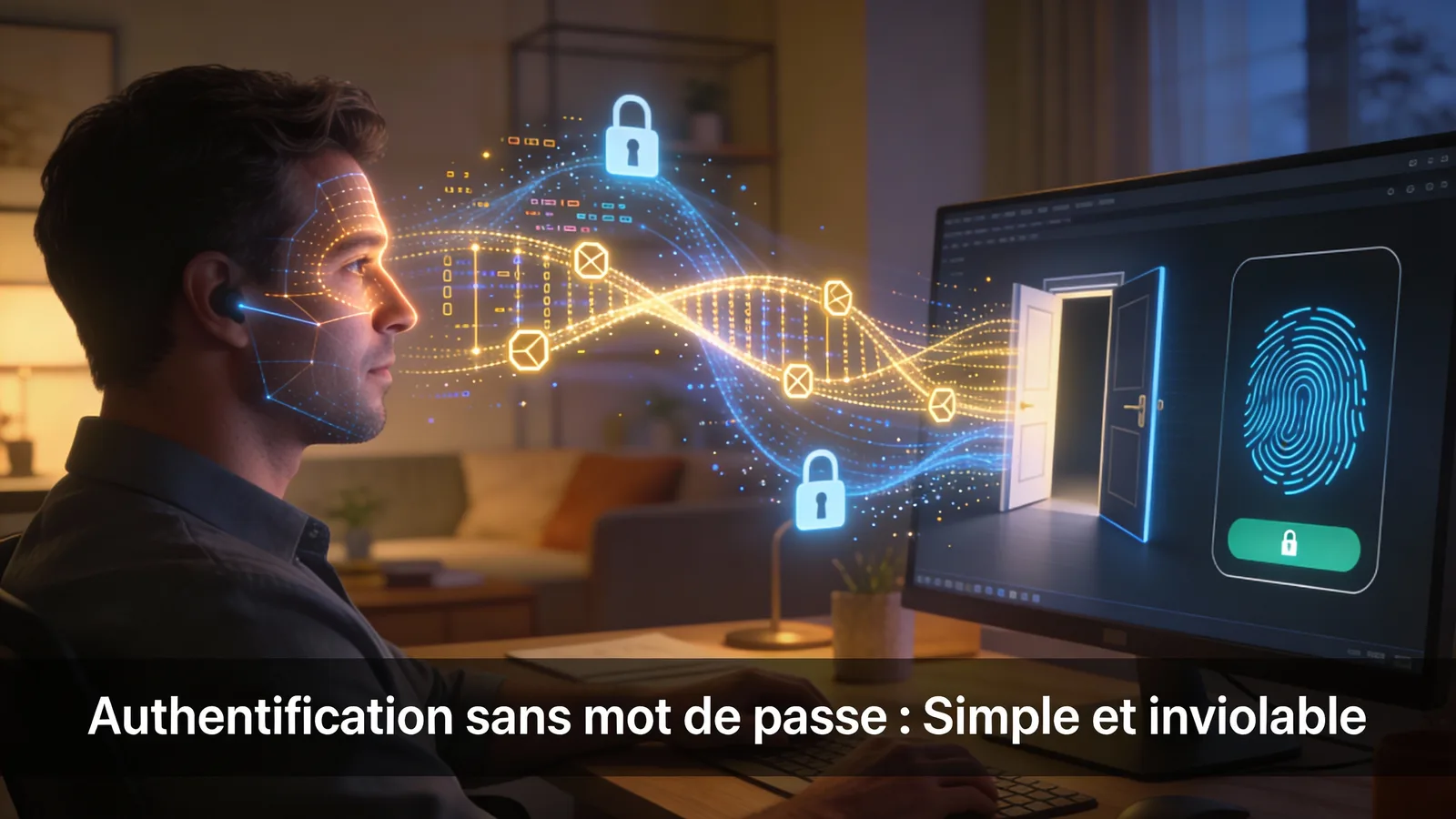
« Traditional MFA is bypassed by sophisticated attacks like MFA bombing and AiTM phishing. Discover 2025 statistics, its history, how it works, and why passwordless solutions (FIDO2, Passkeys) are the future. Protect yourself without throwing everything away. »
📋 Key Points 2025
Harassment hacking that pushes you to make mistakes. Striking example: the Uber breach.
Pro-grade technique intercepting everything in real time, even your OTPs ("EvilProxy" kits).
The end of phishing? Passwordless authentication emerges as the new standard.
Line hijacking costing millions. SMS codes must now be phased out completely.
What it is, who it's for, how it works: key fundamentals decrypted clearly.
Why you must never disable MFA despite its recognized architectural weaknesses.
The ultimate chronological checklist to safeguard all your critical accounts.
📜 Preamble
MFA, does that ring a bell? This acronym is everywhere in our digital world. Your banking app, your email, your online stores, your administrative access... it's there, lurking in the shadows, demanding a code or validation. Sometimes, it annoys us with its incessant notifications. But did you know that this Multi-Factor Authentication, this essential shield, could also "fatigue"? And when it fatigues, your security can falter.
🎯 1. Introduction
- An outdated paradigm: Traditional MFA is no longer an infallible barrier against cyberattacks.
- Emerging threats: Techniques like MFA bombing (notification fatigue) and AiTM phishing exploit its weaknesses.
- Real impact: "MFA Fatigue" attacks show a global increase of 2.75x (i.e., +175%) for ransomware attacks in 2024, leading to heavy fines (e.g., T-Mobile, $33M fine in 2025).
- The response: Moving to robust standards like FIDO2 and using Passkeys constitute the new frontier of authentication.
- Our goal: To provide you with clear analysis and practical solutions to strengthen your account security.
🛡️ 2. Fundamentals: MFA, An Essential Shield (But Perfectible)
📖 2.1. MFA: The Basics - What is it, who is it for, how does it work?
Multi-factor authentication (MFA) is based on a simple principle: requiring multiple distinct identity proofs to access an account. These proofs are divided into three categories:
A password, a PIN code.
Your phone (to receive an SMS or notification), a physical security key.
A fingerprint, facial recognition (biometrics).
The process is standardized: entering credentials → request for a second proof → validation → access granted. According to Microsoft, this method blocks over 99% of automated attacks.
⏳ 2.2. A Brief History of MFA
- 1984: Invention of the first physical tokens (RSA SecurID)
- 2000s: Standardization with the OATH initiative (HOTP, TOTP)
- 2010s: Democratization following mega data breaches (Yahoo, Adobe)
- 2020+: Era of "passwordless" with FIDO2/WebAuthn
👥 2.3. Its Daily Use: For Whom, For What?
Protection of email (gateway to all accounts), online banking, social networks
GDPR compliance, protection of cloud access (Office 365, AWS), securing customer data
📊 2.4. Where to Find MFA? The 2025 Ecosystem
| Category | Examples | Security Level |
|---|---|---|
| Web Apps | Google, Microsoft, AWS | Medium (vulnerable to AiTM) |
| Mobile Apps | Banking apps, Authenticators | High (fatigue risk) |
| Hardware | YubiKey, Google Titan | Very High (anti-phishing) |
| Social Networks | X (Twitter), Facebook, LinkedIn | Basic (upgrade recommended) |
| Enterprises | Salesforce, SAP, corporate VPN | Advanced (conditional policies) |
| IoT / Emerging | Nest, Ring, connected car | Variable (in development) |
⚔️ 3. Modern Attacks That Bypass Classic MFA
💣 3.1. MFA Fatigue: The Harassment That Pushes You to Make Mistakes
MFA bombing exploits human weakness rather than technology. The attacker, after obtaining your credentials (through phishing or data leaks), triggers dozens of login attempts. Your phone then receives an avalanche of notifications "Do you want to approve this login?" Exhausted or distracted, you end up pressing "Approve" to stop the spam, forcing access to the hacker.
+175% attacks in 2024 (Microsoft)
Attack against Uber in 2022 where an employee gave in to fatigue
🎣 3.2. AiTM Phishing: The Pro Technique That Intercepts Everything
Adversary-in-the-Middle (AiTM) is a sophisticated phishing technique using an invisible proxy. When you enter your credentials on a fake site, they are relayed in real time to the real site. When the latter requests MFA, the proxy forwards the request to you and intercepts your code or session cookie. The hacker can thus impersonate your session without ever having your credentials.
EvilProxy, Tycoon 2FA (Phishing-as-a-Service)
Makes SMS and TOTP codes obsolete
📱 3.3. SIM-Swap: The Line Hijacking That Costs Millions
SIM-swap specifically targets SMS MFA. The hacker persuades your carrier to transfer your number to their own SIM card. They thus intercept all your SMS validation codes, potentially emptying your bank accounts or stealing your identity.
$26 million in losses in the USA (DeepStrike)
$33 million (T-Mobile conviction, DeepStrike)
+1055% unauthorized attacks in the UK in 2024 (Cifas)
Leak of 850,000 customer data at Orange Belgium in 2025
📋 3.4. Summary Table of MFA Threats in 2025
| Attack | Mechanism | Vulnerability | Example |
|---|---|---|---|
| MFA Fatigue | Notification flooding | Human weakness | Uber (2022) |
| AiTM Phishing | Interceptor proxy | Trust in websites | EvilProxy kits |
| SIM-Swap | Fraudulent porting | SMS dependency | Orange Belgium (2025) |
👁️ 3.5. Visualizing Attacks: Explanatory Diagrams
Visually understanding different attack scenarios helps better grasp risks. Here are three diagrams illustrating respectively: the normal authentication process, an attack targeting an individual, and a sophisticated attack targeting an SME.
🔒 3.6. Secure Authentication Process
Secure Authentication Process
This diagram illustrates the normal flow of a secure MFA authentication, without any attack. Note the multiple verifications and the creation of a secure session.
🟢 Phase 1: Secure Login Initiation
🟠 Phase 2: Authentication (Credential Verification)
🔵 Phase 3: MFA Verification (Double Guarantee)
🟣 Phase 4: Session Establishment
🟡 Phase 5: Continuous Interaction (Secure)
👤 3.7. Attack on an Individual (AiTM Phishing)
Attack on an Individual (AiTM Phishing)
This attack typically targets personal accounts (email, social networks, banking). The attacker uses an invisible proxy to intercept credentials and MFA code in real time.
🟥 Phase 1: Lure & Identity Theft
🟧 Phase 2: Credential Theft
🟨 Phase 3: MFA Bypass
🟪 Phase 4: Session Theft (Critical Failure Point)
⬛ Phase 5: Complete Account Takeover
🏢 3.8. Attack on an SME/Company (Targeted)
Attack on an SME/Company (Targeted)
This sophisticated attack targets companies with more serious consequences. The attacker uses social engineering to target specific employees and access internal systems.
🟥 Phase 1: Targeted Social Engineering
🟧 Phase 2: Professional Access Theft
🟨 Phase 3: Enterprise MFA Bypass
🟪 Phase 4: Lateral Access & Escalation
⬛ Phase 5: Lateral Movement & Exfiltration
🔑 4. The "Passwordless" Era: Advanced Solutions to Counter MFA Bypasses
Faced with emerging threats like MFA Fatigue and AiTM phishing, the challenge is not to abandon multi-factor authentication, but to evolve it towards resilient methods. This section explores robust alternatives that protect against phishing while offering an optimized user experience.
🛡️ 4.1. FIDO2 & Passkeys: Phishing-Resistant Authentication
The FIDO2 standard uses asymmetric cryptography to eliminate vulnerabilities of traditional methods. During registration, your device generates a unique key pair: a public key shared with the service, and a private key stored locally. Authentication relies on cryptographically signing a "challenge" sent by the site.
Domain binding: The private key works only with the legitimate site, making technical phishing impossible. No shared secret: There's nothing to intercept (no SMS code, no password). Only a cryptographic exchange takes place.
Private keys backed up in the cloud (Google, Apple, Microsoft) and synced across your devices. +20% adoption in 2025 according to Microsoft. Easier to use with 20% higher success rate for logins (FIDO Alliance).
🗝️ 4.2. Physical Security Keys: Ultimate Protection
Hardware devices (USB, NFC) storing your FIDO2 keys, offering maximum protection against malware and data exfiltration.
Maximum security: Immune to malware targeting software solutions. Multiple protocols: Supports U2F, HOTP, TOTP and OpenPGP. Professional adoption: 50% in enterprises vs 10% among individuals.
Cost: €20 to €70 per unit. Loss risk: Requires a backup key configured. Logistics: Physical device management.
Cybersecurity professionals, critical administrative accounts, high-risk individuals (journalists, activists).
🧠 4.3. AI and Behavioral Biometrics: Proactive Detection
Contextual analysis systems integrated into identity platforms (Microsoft Entra ID, Okta, Google) to detect abnormal behaviors.
Contextual analysis: Device, location, network, time. Behavioral biometrics: Typing rhythm, browsing patterns. Accuracy: 95% anomaly detection (Okta 2025).
Transparency: Enhanced security without user friction. Proactive detection: Blocks suspicious logins before compromise. Adoption: 25% of SMEs in 2025 (Gartner).
Cost: €1,000 to €10,000/year (enterprise solutions). Privacy: Extensive collection of behavioral data. False positives: 5 to 10% risk of legitimate blocking.
These systems analyze behavioral patterns; check your provider's privacy policy to understand what data is collected and how it's used.
🎛️ 4.4. Adaptive Authentication: Contextual Security
Dynamic approach adjusting authentication requirements based on the risk level of each attempt.
Real-time assessment: Risk score based on 10+ factors. Adaptive response: Additional factor, blocking or direct access. Transparency: Smooth experience for legitimate logins.
Google Advanced Protection Program, Microsoft Conditional Access, IAM solutions (Okta, Ping Identity).
+ Balances security/experience
+ Protection against abnormal travel
- Bypassable by context imitation
- Dependent on data quality
💡 4.5. Best Practices: Strengthening Traditional MFA
Immediate measures to secure your access while awaiting full adoption of passwordless solutions.
Prefer Google Authenticator or Authy over SMS. Eliminates 95% of SIM-swap risks (DeepStrike).
Require manual code entry. Neutralizes 80% of MFA bombing attacks (Proofpoint).
Raise awareness about suspicious notifications. According to Verizon DBIR 2025, training remains a major pillar of risk reduction.
Restrict access to approved devices/locations. Blocks 90% of suspicious attempts.
📊 4.6. Detailed Comparison Table of MFA Solutions in 2025
| Solution | Bombing Resistance | AiTM Resistance | SIM-Swap Resistance | Ease of Use | Approximate Cost | Adoption 2025 | For whom? |
|---|---|---|---|---|---|---|---|
| SMS | Low | Low | Low | Very Easy | Low | Declining | Beginners (avoid) |
| Authenticator App (TOTP) | Medium (manual entry) | Medium | High (vs SMS) | Easy | Low | ~80% | Everyone (transition) |
| FIDO2 Physical Key | High (no push) | High (phishing-resistant) | High (no SMS) | Medium | €20-70 | ~20% (FIDO Alliance) | Experts, Pros |
| Passkeys | High (biometrics/PIN) | High (FIDO2-based) | High (no SMS) | Very Easy | Low (OS integrated) | +20% (Microsoft) | Everyone |
| Behavioral AI | High (anomaly detection) | Medium (complement) | High (contextual) | Transparent | €1k-10k/year | ~25% SMEs (Gartner) | Enterprises |
| MFA Best Practices | Medium (disable push) | Low (vulnerable to proxies) | Medium (TOTP > SMS) | High (immediate) | Free to low cost | ~80% | All audiences |
| Open-Source Authenticator (e.g., Aegis) | High (manual entry) | Medium (vulnerable to proxies) | High (vs SMS) | Easy | Free | ~15% (tech-savvy niche) | Tech users, concerned about auditability |
🚀 5. Your Pragmatic Action Plan for 2025
🎯 5.1. Prioritization by account/user type
- Top priority: Passkeys for primary email.
- Authenticator apps for banking and critical accounts.
- Awareness of unsolicited notifications.
- FIDO2 physical keys for administrative access and critical cloud services.
- Authenticator apps as secondary solution.
- Configure "manual denial" for MFA notifications.
- Phased deployment of physical keys for at-risk teams.
- Implementation of adaptive authentication (Conditional Access).
- Ongoing employee training on new threats.
- Regular audit of MFA configurations.
📅 5.2. Progressive migration guide
| Period | Subject | Action |
|---|---|---|
| Week 1 | Secure | Secure primary email account with a Passkey. |
| Week 2 | SMS MFA | Replace SMS MFA with an authenticator app on banking accounts. |
| Week 3 | Disable | Disable "automatic push approvals" on all authenticator apps. |
| Week 4+ | Passkeys | Extend use of Passkeys or physical keys to other important services (GitHub, PayPal, etc.). |
| Monthly | Review | Account review and verification of recovery methods. |
✅ 5.3. Immediate Action Checklist
It remains essential against 99% of automated attacks
Replace MFA with a Passkey (Gmail, Outlook, Apple)
Disable the "Approve" option → Force manual entry of 6-digit code
Switch to authenticator apps (Google Authenticator, Authy)
Signals someone has your password → Change it immediately
Enable them on each important service (Amazon, GitHub, PayPal)
Consider purchasing a FIDO2 physical security key.
🏢 6. How businesses can protect their teams
Make MFA (preferably TOTP or FIDO2) mandatory for all administrative access and sensitive systems.
Regularly educate employees about new attack techniques (MFA Fatigue, AiTM phishing) through cybersecurity briefings.
Document MFA configuration procedures, backup key management, and response to alerts.
Use IAM (Identity and Access Management) solutions like Azure AD, Okta or Google Workspace to manage and monitor authentication at scale.
Implement conditional policies (Conditional Access) to limit logins based on context (device, location).
Periodically check MFA configurations of critical accounts and train teams on best practices.
⚠️ 7. Common mistakes to avoid
This is the main entry point for MFA Fatigue attacks.
SMS is inherently vulnerable to SIM swaps.
If the device is compromised, all security layers fall.
Suspicious login notifications should be taken seriously and investigated immediately.
Risk of account lockout if primary factor access is lost (lost phone/key).
Updates often contain crucial security patches.
💎 8. Conclusion
MFA is not dead, it's evolving. The time when "any MFA was enough" is over. Faced with adversaries using sophisticated tools, you need to choose the right MFA.
Traditional solutions (SMS, simple push notifications) show their limits against psychological harassment (MFA bombing) and technical interception (AiTM). The future is in phishing-resistant standards like FIDO2 and Passkeys, offering superior security without compromising simplicity.
The goal is not to panic but to act pragmatically: don't throw away your authenticator, but strengthen your protection where needed, starting with your email. Understanding these limits gives you the means to stay safe. By adopting the right solutions, you no longer suffer from cybersecurity, you stay one step ahead.
📖 9. Glossary
📚 10. Verified Sources
| Organization | Type | Data | Year |
|---|---|---|---|
| What is an MFA Fatigue Attack? | Security Report | MFA Fatigue attacks | 2024 |
| Defend your users from MFA fatigue attacks | Usage Study | 74% of consumers know about passkeys and 69% of them have activated them FIDO2 keys | 2025 |
| MFA Fatigue Attacks: Ultimate Prevention Guide | Usage Study | 74% of consumers know about passkeys and 69% of them have activated them FIDO2 keys | 2025 |
| How MFA Fatigue Attacks Work & 6 Ways to Defend Against Them | How MFA Fatigue Attacks | Defend Against Them | 2024 |
| Security Intelligence Blog | Analysis | SIM-Swap fraud | 2024 |
🔗 11. SafeITExperts Recommended Reading
| Reading | Description |
|---|---|
| 2025 Security Guide: Proactive Protection for Linux, Windows, and macOS | Protection Linux, macOS and Windows |
| Smartphone Security 2025: Comprehensive Technical Guide | Smartphone, Security |
| Secure Passwords 2025: 10 Unbreakable ANSSI Secrets | (Password, Secure, IT computer) |
| Bank Card Security | Computer under Linux, Windows, ChromeOS, macOS stolen: security guide |
👥 Comments
Comment on this article