Protect Your Children: 3 Smart Tools for Safer Screen Time
A practical guide to managing children's device exposure, configuring robust parental controls, and fostering balanced, healthy digital habits at home.
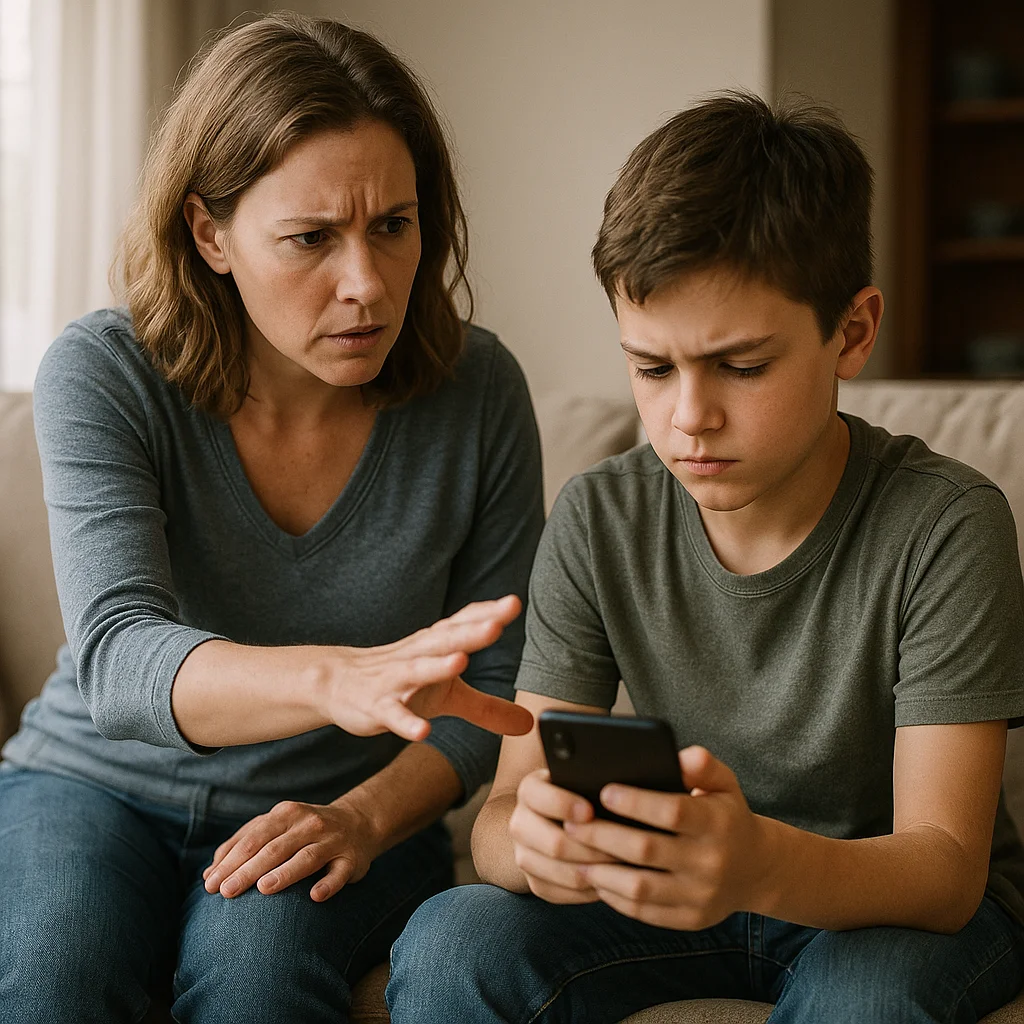
🚨 The Need for Adaptive Child Protection
Children's exposure to digital devices has grown exponentially. With 83% of 12-year-olds owning a personal smartphone and 67% of elementary school children already active across digital entertainment networks, online child safety cannot rely on ad-hoc rules alone.
The Scale of the Risk: Recent pediatric and cyber-safety data indicates 23% of children encountered cyberbullying in the past year, while 20% of primary school children have already faced online harassment.
⚖️ Legal Framework & Device Mandates
Modern regulatory frameworks increasingly mandate built-in parental safeguards. Hardware manufacturers are required to offer native, free-of-charge parental control tools activated during initial device setup.
Core Manufacturer Requirements
💡 Practical Takeaway: Built-in system tools provide excellent app-level boundaries, but browser navigation and unvetted third-party platforms still demand ongoing parental guidance.
📊 Age-Based Screen Guidelines
| Age Bracket | Pediatric Recommendations | Daily Limit |
|---|---|---|
| 0–2 years | Zero screen exposure (interactive video calls with family excepted) | 0 min |
| 2–5 years | Curated high-quality content with mandatory co-viewing | Max 1 hr/day |
| 6–12 years | Supervised exploration paired with open family dialogue | Max 1.5 hrs/day |
| 13–18 years | Progressive autonomy with agreed digital boundaries | Negotiated |
🚫 Critical Rule: Enforce zero screen exposure within 1 hour before bedtime and during shared family meals.
🛠️ Technical Tooling by Use Case
Scenario 1: Child Has Their Own Dedicated Smartphone
Google Family Link: The Cross-Platform Standard
15-Minute Configuration:
- Install Family Link for Parents and configure the child's supervised Google account
- Set age-appropriate rating filters across Google Play and YouTube
- Establish daily screen time allowances and scheduled bedtime device locks
- Approve or decline app download requests directly from the parent dashboard
Apple Screen Time: Integrated iOS Ecosystem
Configuration Steps:
- Access via Settings > Screen Time > Set Up for Family
- Configure Content & Privacy Restrictions to filter adult web domains
- Set App Limits categorized by gaming, entertainment, and social media
- Restrict incoming and outgoing communication exclusively to verified parent-approved contacts
Scenario 2: Child Borrows the Parent's Smartphone
Samsung Kids: Instant Sandboxed Environment
5-Minute Quick Setup:
- Swipe down the Quick Settings panel from the top of the screen
- Tap the "Kids" icon to launch the secure sandboxed launcher
- Set a dedicated parental PIN protecting device exits and settings
- Whitelist specific child-friendly apps, games, and audiobooks
🧠 Child Safety Quiz
Question 1
What does 2FA stand for?
Click to flip ↻Answer
Two-Factor Authentication
Secondary verification layer safeguarding account credentials
Click to return ↺Question 2
Why are native parental controls mandated?
Click to flip ↻Answer
Device Safety Regulations
Ensures free, accessible child protection out-of-the-box
Click to return ↺Question 3
What is the recommended screen limit for ages 2–5?
Click to flip ↻Answer
1 hour per day maximum
Always accompanied by active parental engagement
Click to return ↺Question 4
Which tool offers instant sandboxing on Samsung devices?
Click to flip ↻Answer
Samsung Kids
Dedicated secure child profile built directly into One UI
Click to return ↺🗳️ Family Screen Time Poll
Do you feel mobile devices and screen exposure impact the quality of family vacations?
Select up to 2 options.
Community Poll Results
📚 Technical Glossary
🌐 Sources & Academic References
🌟 Conclusion
Empowering Children in a Connected World
Safeguarding young minds in the digital era is an evolving family journey. As highlighted throughout this guide, pairing robust technical configurations (Google Family Link, Apple Screen Time, Samsung Kids) with constructive, open dialogue creates the strongest protective shield.
Regulatory requirements establish helpful baseline controls, but meaningful digital safety begins at the family level through active engagement and shared boundaries. Every household is unique, and tools should adapt flexibly to your children's developmental stages.
The ultimate objective is not total restriction, but fostering mindful autonomy. By mentoring children through digital challenges, we equip them with the critical thinking and resilience needed to become responsible digital citizens.
👥 Comments
Comment on this article