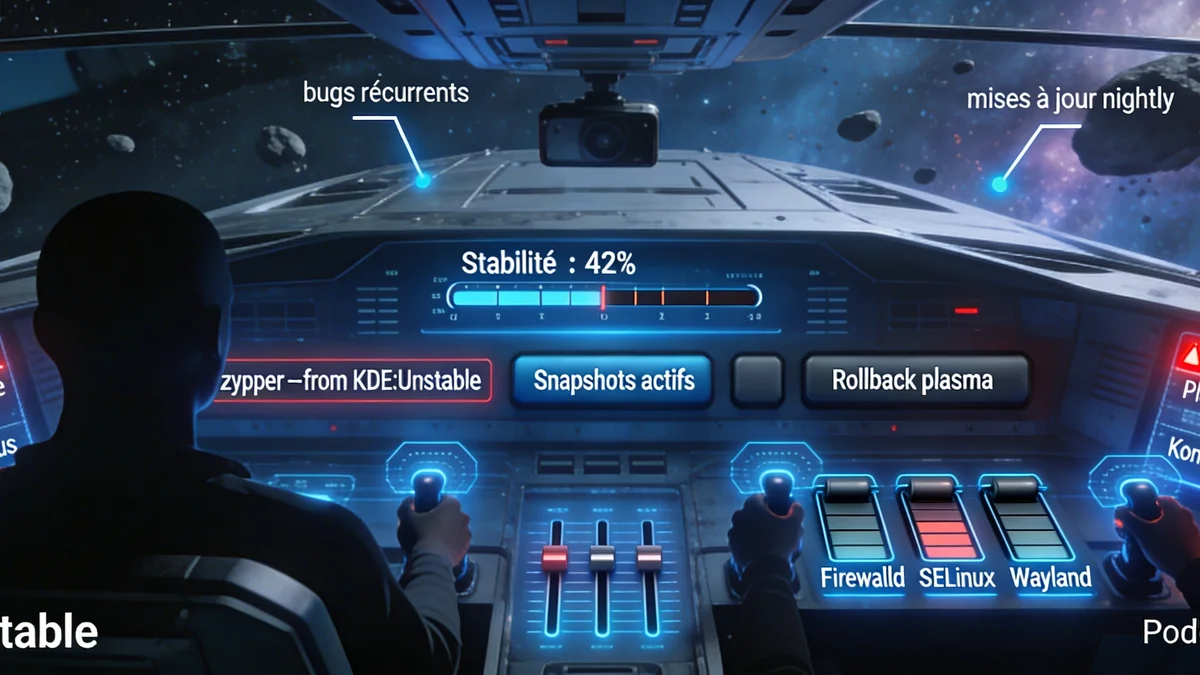
Enable KDE Unstable Plasma
on openSUSE Tumbleweed
🎯 Overview
Want to test the latest KDE Plasma advances on your Tumbleweed system? This guide shows you a method that works, used daily on a production machine.
The openSUSE community thrives on diverse experiences. Some prefer a lower priority (75) for a full switch, others only add certain repositories. This guide presents a proven method — the one used daily — with its ingredients, advantages, and limitations.
💻 Starting configuration (exemple réel)
🧩 The three fundamental mechanisms
Before adding repositories, you need to understand three mechanisms: the vendor, the version and the priority.
| Rule | Explanation |
|---|---|
| 🏷️ Vendor | Each vendor has a repository, each repository has a priority and packages |
| 📦 Version | Each version has a package, each package has a vendor, each vendor has a repository |
| ⚖️ Priority | Each priority is linked to a repository, each repository holds packages from a vendor |
🏷️ Vendor stickiness & mécanismes de Zypper
Three levels control vendor changes in Zypper. From most global to most targeted:
| Level | Condition | Effet sur zypper dup |
|---|---|---|
| 🌍 Global | /etc/zypp/zypp.confsolver.allowVendorChange = true | Completely disables vendor stickiness protection. zypper dup automatically allows all vendor changes. |
| 🔗 Equivalence | /etc/zypp/vendors.d/*.conf | Declares vendors as equivalent (e.g. openSUSE = obs://KDE:Unstable:Frameworks). Zypper treats them as interchangeable. |
| 🎯 One-time | zypper dup --allow-vendor-change | Allows vendor changes for this run only. The next dup reverts to default behaviour. |
1. Vendor stickiness: Zypper refuses any vendor change by default, even for a newer version. A package with a different vendor is ignored in a plain dup unless explicitly allowed (--allow-vendor-change or declared equivalence).
2. Priorities: The lower the number, the higher the priority. Priorities only come into play when versions are equal and the vendor is authorised.
3. --from <repo>: Forces exclusive use of a repository for the update, regardless of priorities or vendor.
✅ Table: priority, version, vendor and behaviour
| Prio | Repo | Version | dup alone | --allow-vendor | --from |
|---|---|---|---|---|---|
| 70 | Packman | 7.0.2 | ❌ | ✅ | ✅ |
| 80 | home:pallaswept | 6.1.1 | ❌ | ✅ | ✅ |
| 99 | repo-oss | 7.0.2 | ✅ | ✅ | ✅ |
| 99 | repo-non-oss | 7.0.1 | ❌ | ❌ | ✅ |
| 110 | home:Dead_Man | 6.0.0 | ❌ | ❌ | ✅ |
| 120 | KDE:Frameworks5 | 7.0.2 | ❌ | ✅ | ✅ |
Vendor always trumps priority. Priority only comes into play when the vendor is authorised and versions are equal. A repository with priority 70 but a different vendor will be ignored by dup unless you use --allow-vendor-change or a declared equivalence in vendors.d.
🔧 System preparation (before adding repositories)
"Do not mix stable with unstable repositories. Doing so is not supported and is prone to put your system in an inconsistent state." — SDB:KDE repositories
Run the following commands in order to prepare your Tumbleweed system.
| Command | Purpose | When to use |
|---|---|---|
| sudo zypper shell | Enter Zypper interactive mode | Optional — allows chaining multiple commands |
| sudo zypper clean -a | Clean all caches | Before a refresh to avoid cache issues |
| sudo zypper ref | Refresh the package list | After cleaning or before an update |
| zypper packages --orphaned | List orphaned packages | To identify packages to remove manually |
| zypper packages --recommended | List uninstalled recommended packages | Choose which ones to install |
| sudo zypper dup | Full distribution upgrade | Updates the entire system to the latest stable versions |
| sudo systemctl reboot | Reboot the system | Required if the kernel or critical services were updated |
📥 Adding KDE repos Unstable
Once your system is prepared and up to date, you can add the KDE Unstable repositories with the priority of your choice.
Option A: priority 75 (official approach)
Option B: priority 120 (selective approach — this guide)
Meaning of the -cfp options
| Option | Signification | Effet |
|---|---|---|
| -c | Enable local cache | Metadata is kept on disk for faster access |
| -f | Auto-refresh | Zypper automatically refreshes the repository on each operation |
| -p <priorité> | Set priority | The lower the number, the higher the priority |
✅ Verification de l'ajout
Expected output (example for priority 120):
 2 | KDE-Unstable-Applications       | 120
 3 | KDE-Unstable-Extra              | 120
 4 | KDE-Unstable-Frameworks         | 120
 5 | KDE-Unstable-Qt                 | 120
By default, snapper automatically creates a snapshot after zypper dup when changes are applied. However, if you want to guarantee a restore point before any changes, create one manually:
🏁 Method 1: official approach (priority 75)
This method follows the openSUSE wiki recommendation for KDE:Unstable repositories. It assumes you added the repositories with a priority of 75.
🛡️ Method 2: selective approach (priority 120 — this guide)
This approach is more cautious. It uses a low priority (120) so that official repositories (99) remain preferred when versions are equal. However: even without --allow-vendor-change, a plain zypper dup may already pull in Unstable packages if their version is strictly higher than the stable version.
📌 Summary des deux méthodes
| Criterion | Official method (75) | Selective method (120, this guide) |
|---|---|---|
| Priority | 75 (higher) | 120 (lower) |
| At equal version | KDE Unstable wins | Stable (99) wins |
Mise à jour simple (dup) | Full switch | Only integrates Unstable packages with version > stable |
Purpose --allow-vendor-change | Required for first switch | Simulation and decision tool for full switch |
| Level de risque | Higher | Controlled |
| Public visé | Testers, developers | Advanced users in production |
🧩 Likely issues by KDE Unstable repository
Unstable repositories are unstable by nature. Below are real documented issues on openSUSE Tumbleweed + KDE:Unstable:
🔴 High – elevated risk | 🟠 Medium – moderate risk | 🟢 Low – edge cases
| Repository | Issue | Description | Likelihood |
|---|---|---|---|
| KDE:Unstable:Qt | Broken Wayland session restore | After upgrade, window restoration is broken (positions, sizes) | 🔴 |
| QML application crashes | plasma-systemmonitor, kinfocenter crash on startup (QtQuick regressions) | 🟠 | |
| Broken SVG icon rendering | SVG icons display incorrectly after Qt update | 🟢 | |
| KDE:Unstable:Frameworks | Unsatisfied dependencies after dup | kio/kconfig incompatible with system libraries | 🔴 |
| GTK themes not applied | GTK applications ignore Breeze after Frameworks update | 🟠 | |
| Partial settings reset | Wallpaper, shortcuts lost after upgrade | 🟠 | |
| KDE:Unstable:Applications | Dolphin crash on SMB network folders | Dolphin crashes when accessing SMB shares (recurring issue) | 🔴 |
| Konsole does not keep profiles | Custom profiles disappear after reboot | 🟠 | |
| Gwenview fails to open some images | JPEG/PNG opening failure (related to SMB/ffmpeg) | 🟢 | |
| KDE:Unstable:Extra | Weather widget crashes plasmashell | Taskbar crash after adding weather widget | 🟠 |
| KDE Connect unstable / disconnections | Random connection loss (firewall, network) | 🟠 | |
| Desktop effects (cube, wobbly) broken | KWin effects broken after update | 🟢 |
🔧 The pilot's toolkit
Refresh the package list
Simulate an update without making any changes
Force an update from a specific repository
Change repository priority
Restore a system snapshot
🐛 Common bugs (February 2026)
These solutions worked on specific configurations. If you encounter an issue, check the forums first.
| Issue | Symptoms | Quick fix |
|---|---|---|
| 🖼️ Broken Flatpak icons | Incorrect or generic icons (Ungoogled Chromium, OBS) | Use RPM version while waiting for the fix (Bug #516383) |
| 🍔 Capricious Kickoff menu | Cannot add to favourites, disappearing submenus | kbuildsycoca6 --incremental |
| ⚙️ Settings reset | Reverts to defaults after update | Copy themes to ~/.local/share/plasma/look-and-feel/ |
| 🔗 Dependency conflicts | zypper dup refuses to run | --solver-focus=update --force-resolution (last resort) or wait |
| 💥 Broken system | System won't boot or KDE session won't start | sudo snapper rollback <numero> |
| 🧊 Login freezes | System freezes after KDE login | Switch to GNOME temporarily |
Always have a recent snapshot before any major update.
📊 Comparing approaches
Full switch
Testers, developers
Unstable for newer packages only
Advanced production users
Mix case by case
Experimenters
Approach 75: if you want to be on the front line, ready to handle frequent regressions and contribute upstream feedback.
Approach 120 (this guide): if you run Tumbleweed in production and want to enjoy new features without jeopardising daily stability.
Hybrid approach (90–100): middle ground — for example, giving Frameworks a slightly higher priority than Applications.
Whatever the approach, vendor always trumps priority.
✅ Good habits
| Action | Pourquoi ? |
|---|---|
| Toujours simuler avec --dry-run | Anticipate conflicts, vendor changes, removed packages |
| Comprendre le vendor stickiness | The first filter before priority |
| Utiliser --allow-vendor-change avec parcimonie | Only authorise when you really want Unstable |
| Avoir un snapshot récent | Snapper = parachute for rolling back |
| Surveiller les forums avant grosses mises à jour | The community reports bugs quickly |
| Vérifier les priorités avec zypper lr -p | Confirm your settings are in effect |
| Privilégier --details | See version jumps and vendor changes |
| Rafraîchir les dépôts avec zypper ref | Work with the latest metadata |
❌ Mistakes to avoid
| Action | Conséquence |
|---|---|
| Faire dup sans simulation | Breaking the system without warning |
| Laisser --allow-vendor-change en permanence | Unwanted third-party repos replace packages |
| Updating without a snapshot | No reliable restore point |
| Ignorer les avertissements de conflit | Forcing leads to an inconsistent system |
| Mélanger priorités sans comprendre le vendor | A high priority alone is not enough without an authorised vendor |
| Négliger le nettoyage post-màj | Orphaned packages and caches clutter the system |
🔗 Resources et liens utiles
| Resource | Description | Link |
|---|---|---|
| openSUSE KDE Forums | Community support | forums.opensuse.org |
| KDE Discuss | Discussions on developments | discuss.kde.org |
| OBS KDE Unstable | Repository status | build.opensuse.org |
| KDE Bugzilla | Upstream bug tracking | bugs.kde.org |
| openSUSE Bugzilla | Issues de packaging | bugzilla.opensuse.org |
| Vendor change docs | Official documentation | opensuse.org |
📖 Recommended Reading — SafeITExperts
| Article | Contenu |
|---|---|
| Understanding SUSE Kernels & Flavours: 2025 Complete Guide | Linux kernel variants on SUSE: default, rt, azure, xen… |
| Mastering Zypper: Complete openSUSE Package Management 2025 | All Zypper commands, package and repository management |
| Asia at the Heart of the Global Digital Ecosystem | Asia's role in the global digital infrastructure in 2026 |
| Wayland 2026: The Post-X11 Era for Linux | X11 → Wayland transition, compatibility and migration |
This guide has presented a proven method for installing KDE Unstable on Tumbleweed. It is not the only one, but it has the advantage of being selective and cautious.
Ready to try it? Go ahead — but remember: snapshots, simulations, and staying informed are your best allies.
A rolling release needs active maintenance. You become an actor in your system, not just a consumer. That is a choice, a philosophy, and also a pleasure for those who love to understand and control.
👥 Comments
Comment on this article